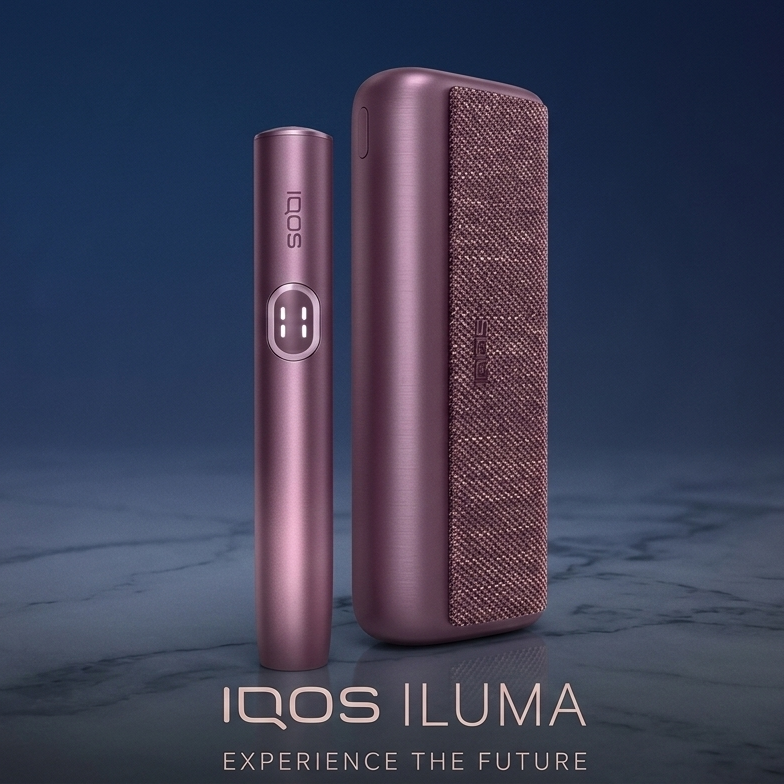
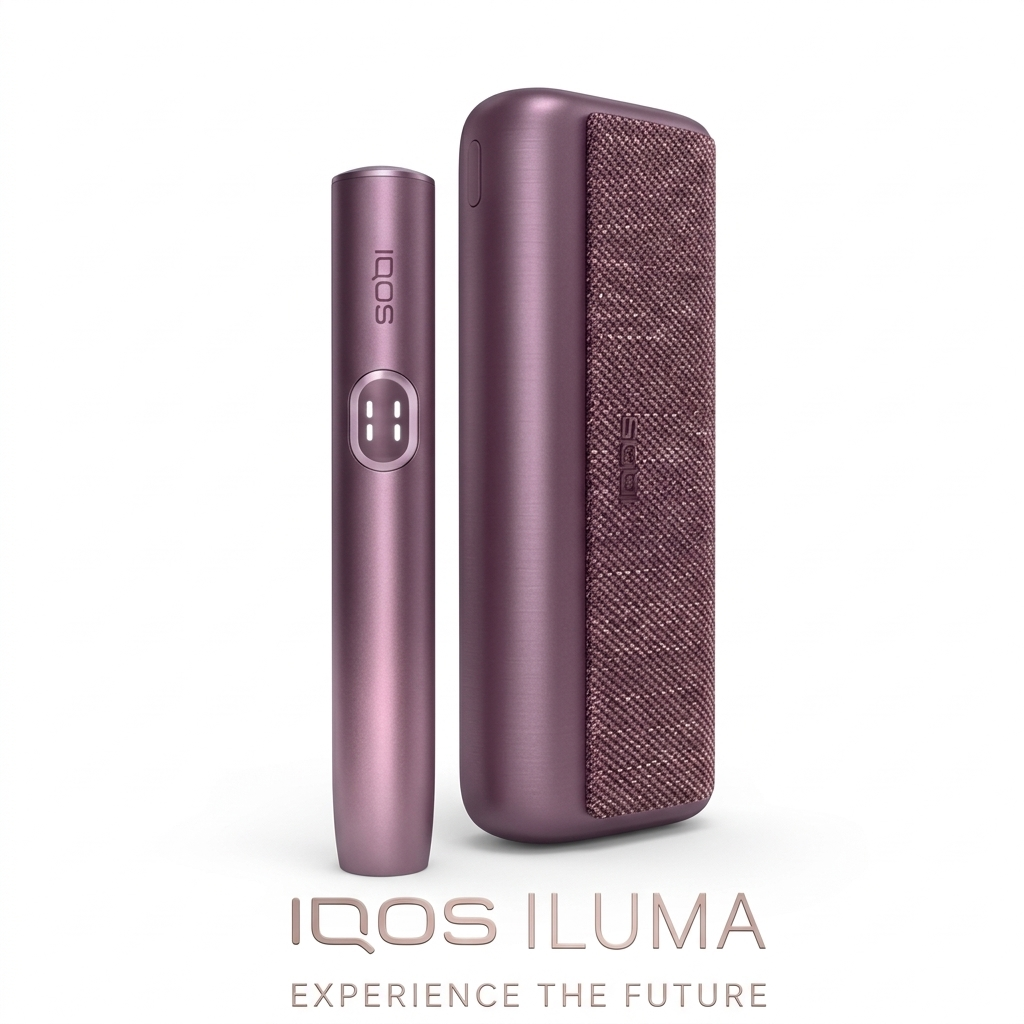
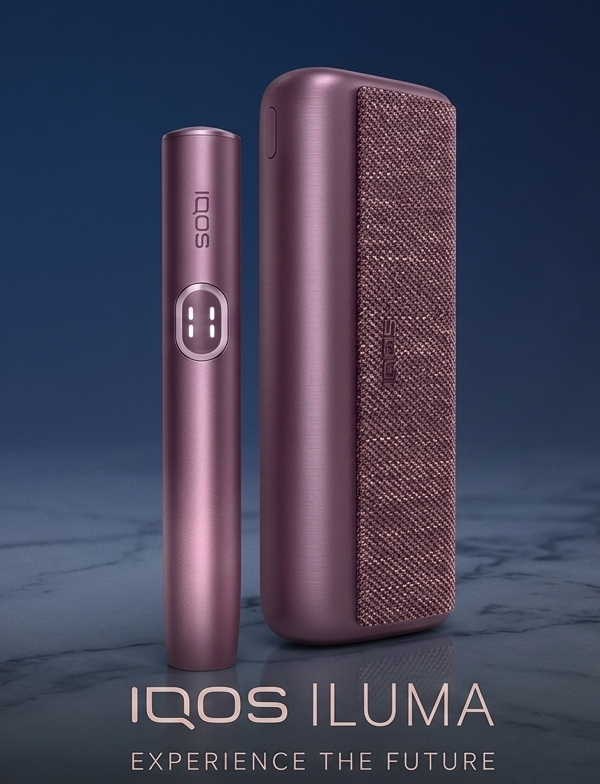
Specifications of IQOS Iluma I Prime Garnet Red
| Feature | Detail |
|---|---|
| Device Type | Heat-Not-Burn (HNB) |
| Color | Garnet Red (Limited Edition) |
| Battery | 2380mAh – Up to 20 uses per charge |
| Charging Time | Approx. 90-135 minutes via USB-C |
| Device Weight | 107.4g |
| Size | 121.6mm x 44.6mm x 23.4mm |
| Heating Tech | Smartcore Induction System |
| Connectivity | Bluetooth-enabled |
| Compatibility | TEREA Japan, IQOS TEREA Indonesian, TEREA Kazakhstan, TEREA Uzbekistan |
Why Choose IQOS Iluma I Prime Red in the UAE?
The IQOS Iluma I Prime Garnet Red is not just another device. It’s part of the Iluma I Prime range, combining style with innovation. Here are reasons why it’s perfect for users in the UAE:
- Smoothness – Enjoy a premium feel with user-centric features.
- Reliability – It’s sleek, easy to use, and hassle-free.
- Convenience – Designed to fit your lifestyle in Dubai, Abu Dhabi, and more.
- Mess-Free Sessions – No smoke, just clean vapor.
What You’ll Love About IQOS Iluma I Prime Garnet Red
Here’s what makes this device a favorite:
- No Smoke, Just Flavor – Experience smooth, clean vapor without burning or ash.
- Easy to Use – Simply pop in a TEREA stick and press the button.
- Fast Charging – Ready again in just over an hour.
- Reliable Performance – Every session feels consistent.
- Premium Look – The Garnet Red finish is bold yet refined.
What’s in the Box?
Here’s what you get when you purchase:
- 1x IQOS Iluma I Prime Device (Garnet Red Edition)
- 1x USB-C Charging Cable
- 1x Power Adapter
- 1x Cleaning Tool
- 1x User Guide
Everything you need to get started, right out of the box!
Review of IQOS Iluma I Prime: Key Features & Benefits
Fast delivery across the UAE is a breeze. Whether you’re in Dubai, Abu Dhabi, Sharjah, Ajman, Ras Al Khaimah, or Fujairah, orders are delivered quickly, often the same day in major cities.
Limited Time Offer: Get the IQOS Iluma I Prime Red for just 400 AED while stock lasts!
How to Use IQOS Iluma I Prime Garnet Red
Using the device is simple. Here’s how:
- Charge the device fully using the USB-C cable.
- Insert a TEREA stick until it clicks into place.
- Press the power button to start heating.
- Enjoy your session. Use pause mode if needed.
- Dispose of the used stick and recharge when necessary.
Reviews
There are no reviews yet.